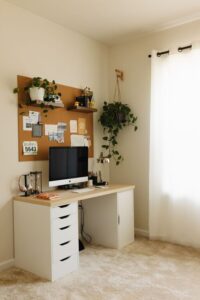
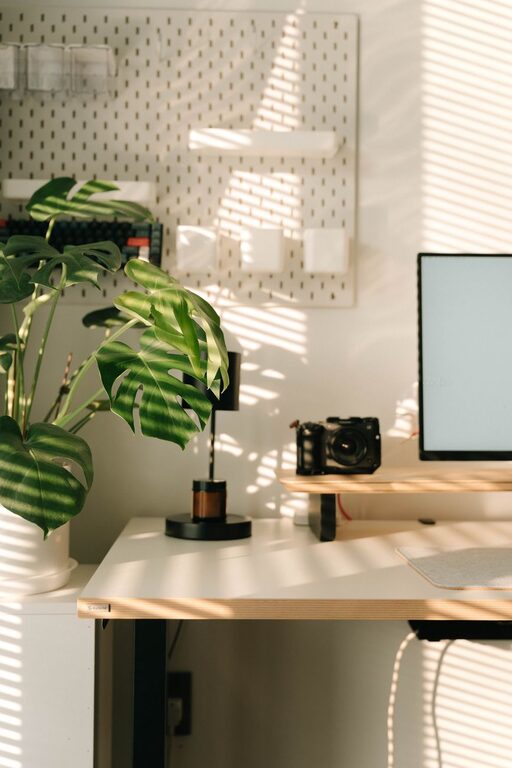
Creating a home office that is both relaxing and productive can significantly improve your work-from-home experience. When your workspace supports focus and comfort, you can enjoy better efficiency without feeling stressed or burnt out. This guide offers practical tips to help you set up a home office environment that combines calm with productivity.
Choose the Right Location
Pick a Quiet Space
Selecting a quiet area in your home is crucial. Avoid high-traffic spots or rooms near noisy appliances. A peaceful environment reduces distractions and helps you concentrate.
Consider Natural Light
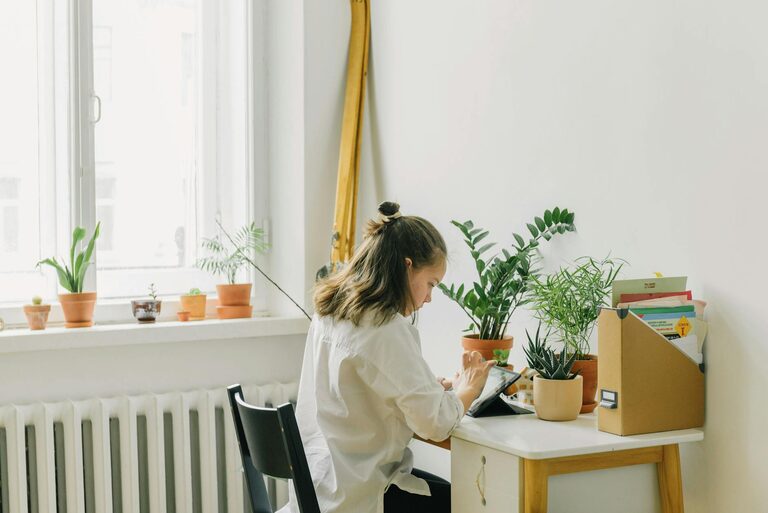
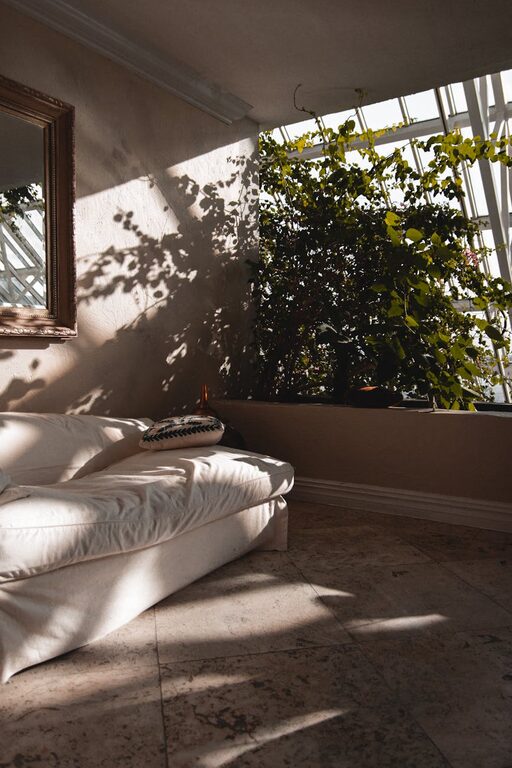
Natural light can boost your mood and energy levels. Ideally, position your desk near a window to benefit from daylight. However, be mindful of glare on your computer screen and use blinds or curtains to adjust brightness.
Invest in Comfortable and Functional Furniture
Ergonomic Chair and Desk
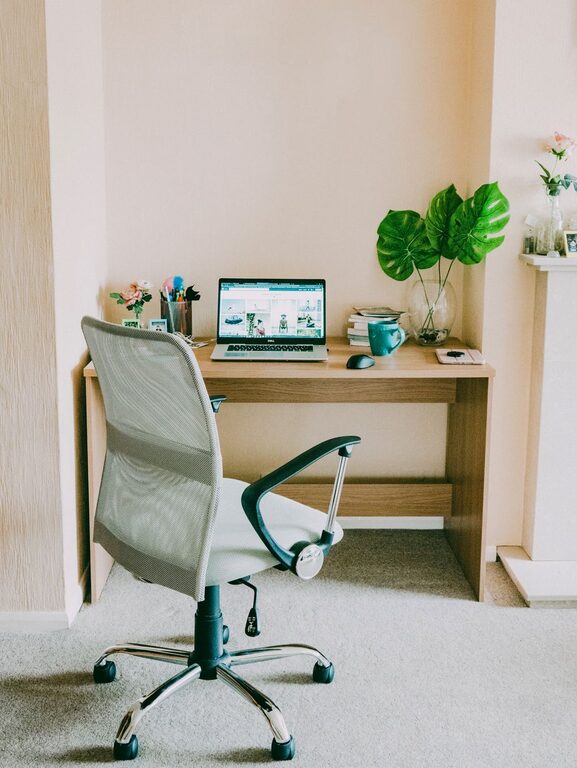
Comfortable seating is essential for long working hours. Choose an ergonomic chair that supports your back and promotes good posture. Pair this with a desk that suits your height to prevent strain.
Organise with Storage Solutions
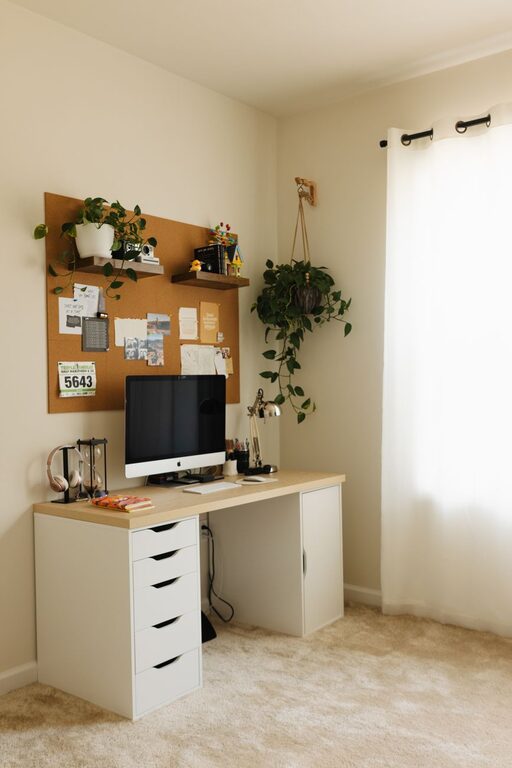
Clutter can hinder your productivity. Use shelves, filing cabinets, or desk organisers to keep your workspace tidy. Having everything in its place reduces stress and saves time searching for items.
Create a Calming Atmosphere
Use Calming Colours
Colours affect mood and focus. Soft, neutral tones like pale blue, green, or beige create a relaxing backdrop that is easy on the eyes. Avoid overly bright or distracting colours in your main workspace area.
Add Personal Touches
Incorporate items that make you feel calm and happy, such as plants, artwork, or photographs. Plants not only add colour but can improve air quality too.
Control Noise Levels
If external noise is unavoidable, consider noise-cancelling headphones or a white noise machine. Playing gentle background music or nature sounds can also enhance concentration and relaxation.
Optimise Lighting and Screen Setup
Use Adjustable Lighting
Relying solely on overhead lights can cause eye strain. Use a combination of ambient lighting and task lighting, such as desk lamps with adjustable brightness. This setup allows you to customise lighting depending on the task and time of day.
Position Screens Appropriately
Place your computer screen at eye level, about an arm’s length away, to avoid neck and eye strain. Adjust screen brightness and contrast for comfort, especially during long sessions.
Establish a Routine and Declutter Regularly
Set Working Hours
Having clear working hours helps separate work from personal life. Stick to a schedule that includes regular breaks to recharge and avoid burnout.
Keep Your Workspace Clean
Make it a habit to tidy your desk at the end of each day. A clean workspace promotes a clear mind and readiness for the next day’s tasks.
Incorporate Movement and Breaks
Take Regular Breaks
Breaks are important to maintain focus. Short pauses every hour for stretching or walking can boost circulation and reduce fatigue.
Create a Stretching Corner
If space allows, designate a small area for stretching or light exercise to refresh your body and mind during breaks.
Utilise Technology Wisely
Use Productivity Tools
Apps for task management, calendars, or focus timers can help organise your workload and keep you on track.
Minimise Distractions
Turn off non-essential notifications and keep your phone on silent or away to reduce interruptions.
Maintain Good Air Quality and Temperature
Ventilation is Key
Proper air circulation prevents stuffiness and keeps you alert. Open windows regularly or use air purifiers if needed.
Comfortable Temperature
Aim for a temperature that is neither too hot nor too cold, around 20–22°C is often comfortable. Use fans or heaters to adjust as necessary.
Final Thoughts
Creating a home office that balances relaxation and productivity is achievable with thoughtful planning and regular upkeep. By focusing on comfort, organisation, and a pleasant atmosphere, you can transform your workspace into a place where you enjoy working and maintain your well-being.
Remember, your home office should fit your unique needs and preferences. Experiment with these tips and adapt your environment until it feels just right for you.